Features
iPad. English. Version 1.
Live mapping
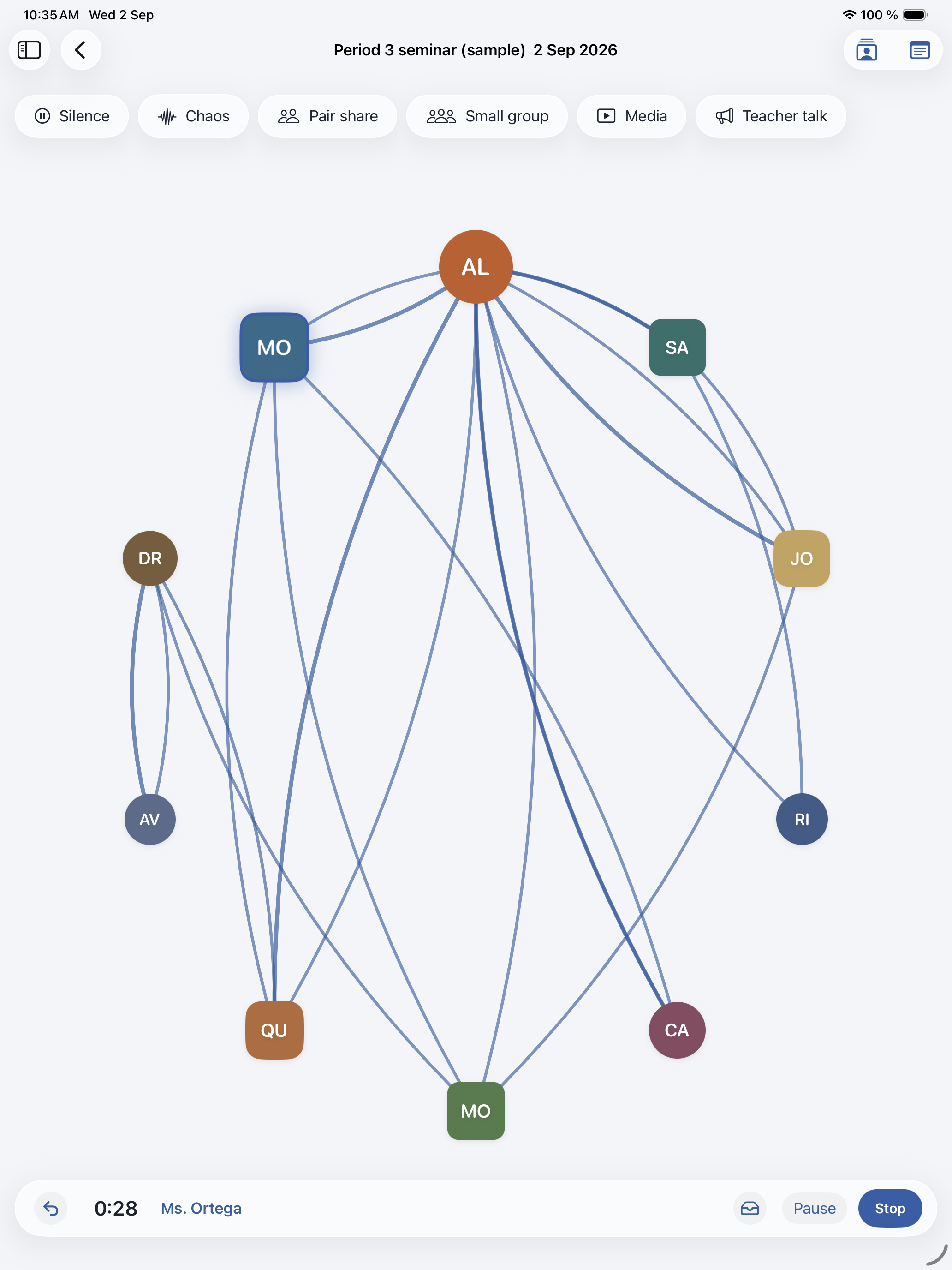
Arrange people on a seating map. Circle, semicircle, horseshoe, rows, or open floor. Drag seats. Tap the current speaker. Lines draw speaker to speaker. Repeated paths thicken.
Action buttons end the current turn: Silence, Chaos, Pair share, Small group, Media, Teacher talk. Undo steps back through recent events. Optional microphone. Audio stays on the iPad unless you export it.
Frames
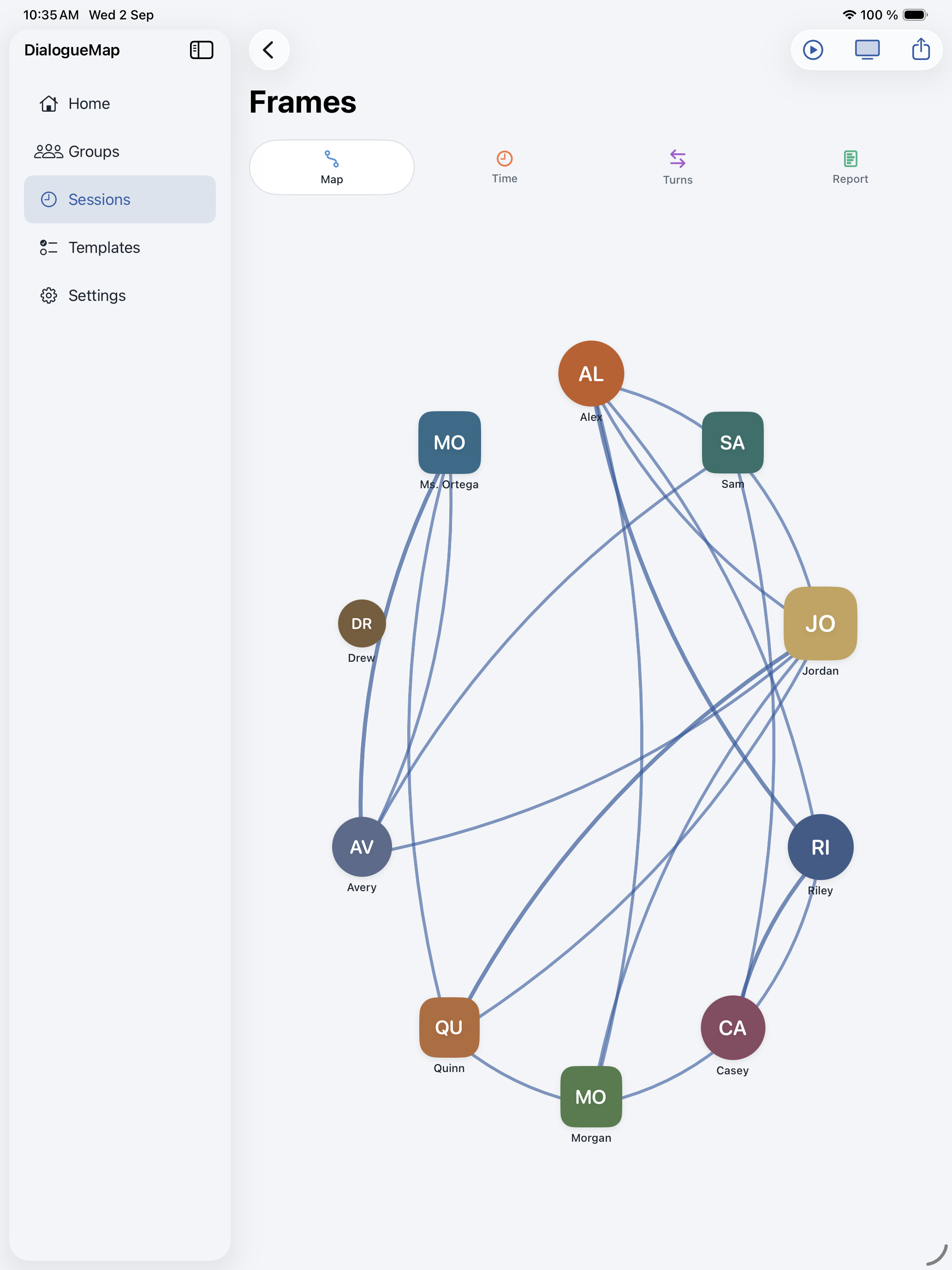
When you stop, Frames open. Map shows the web and seated glyphs. Time and Turns list each person with share bars. You can leave someone out of the totals, including the teacher.
Report is Plus. It shows balance of talk time, balance of turns, talk totals, and teacher-talk share. Playback replays the web in session order, with seated people in their original seats.
Groups and sessions
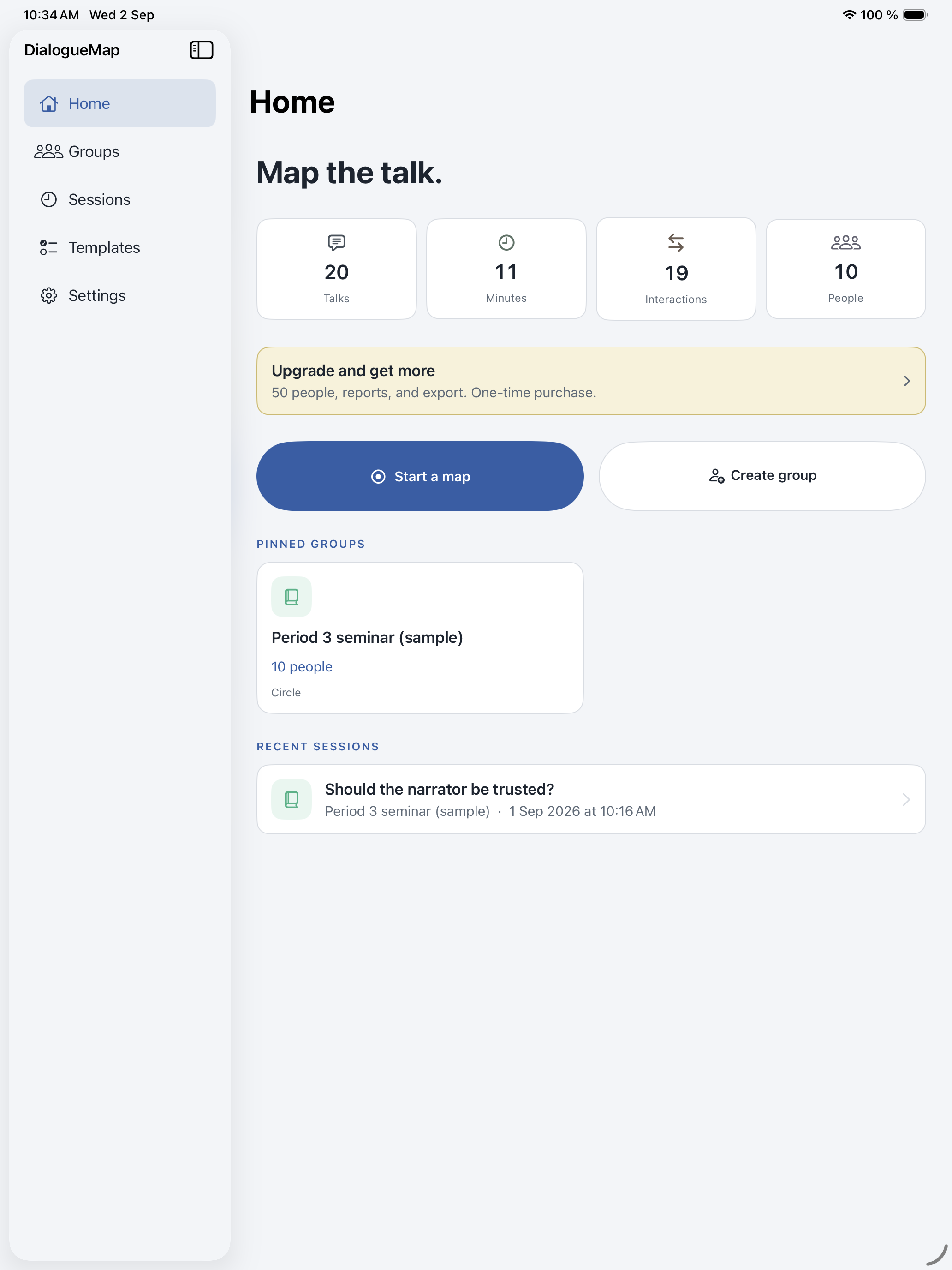
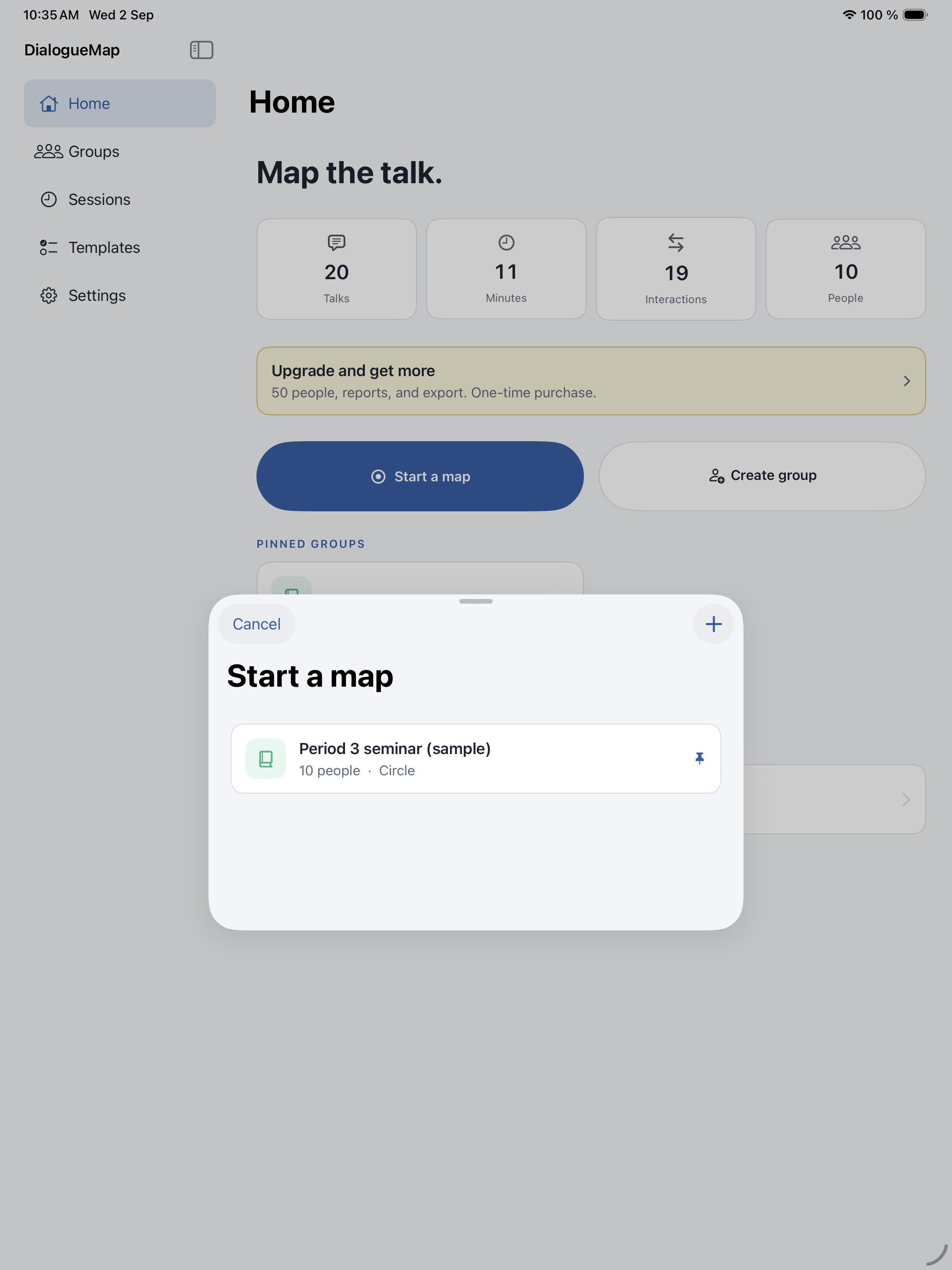
Save a roster and reuse it. Give a group an SF Symbol. Sessions inherit that icon. Hide a person to the tray without deleting them. Sample group ships with the app so you can open Frames before a live class.
Free
- 10 seated people
- Presets and freeform seating
- Live web, actions, time, turns
- Include and exclude from stats
- Playback
- Map image via the share sheet
- Saved groups and the sample session
Plus, one-time purchase
- 50 seated people
- Report
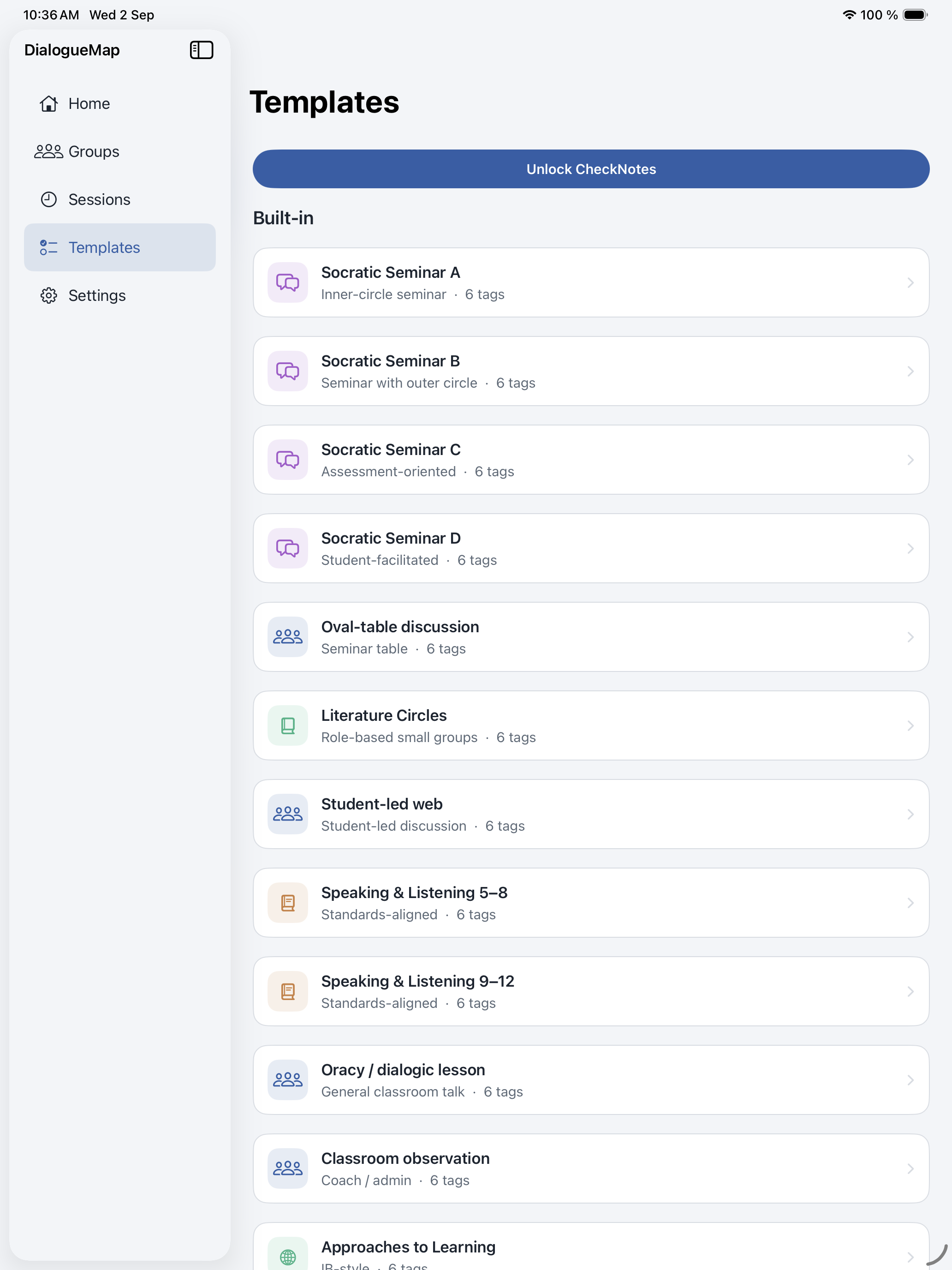
- CheckNotes and custom templates
- Identity markers
- CSV, student PDF, class PDF
- Audio export and session packages
- Roster import and custom tables
You can always start a map. If a group is larger than the free cap, extra people wait in the tray until you hide someone or unlock Plus.