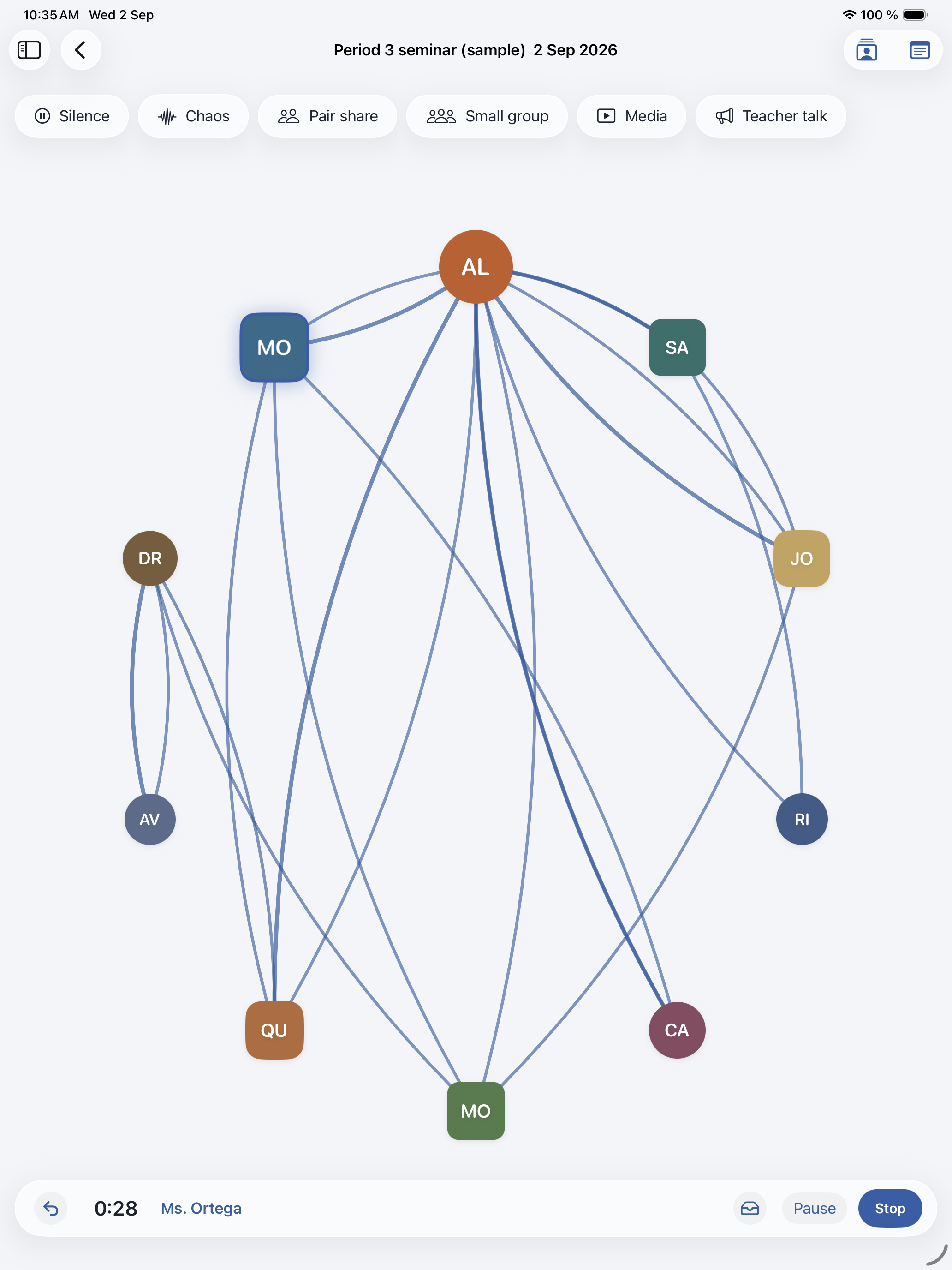
Tap as people speak
Each tap marks a turn. You can tap the same person again when they come back in. Buttons for silence, pair share, and teacher talk help when the conversation changes shape.
 DialogueMap
Live discussion mapping for iPad
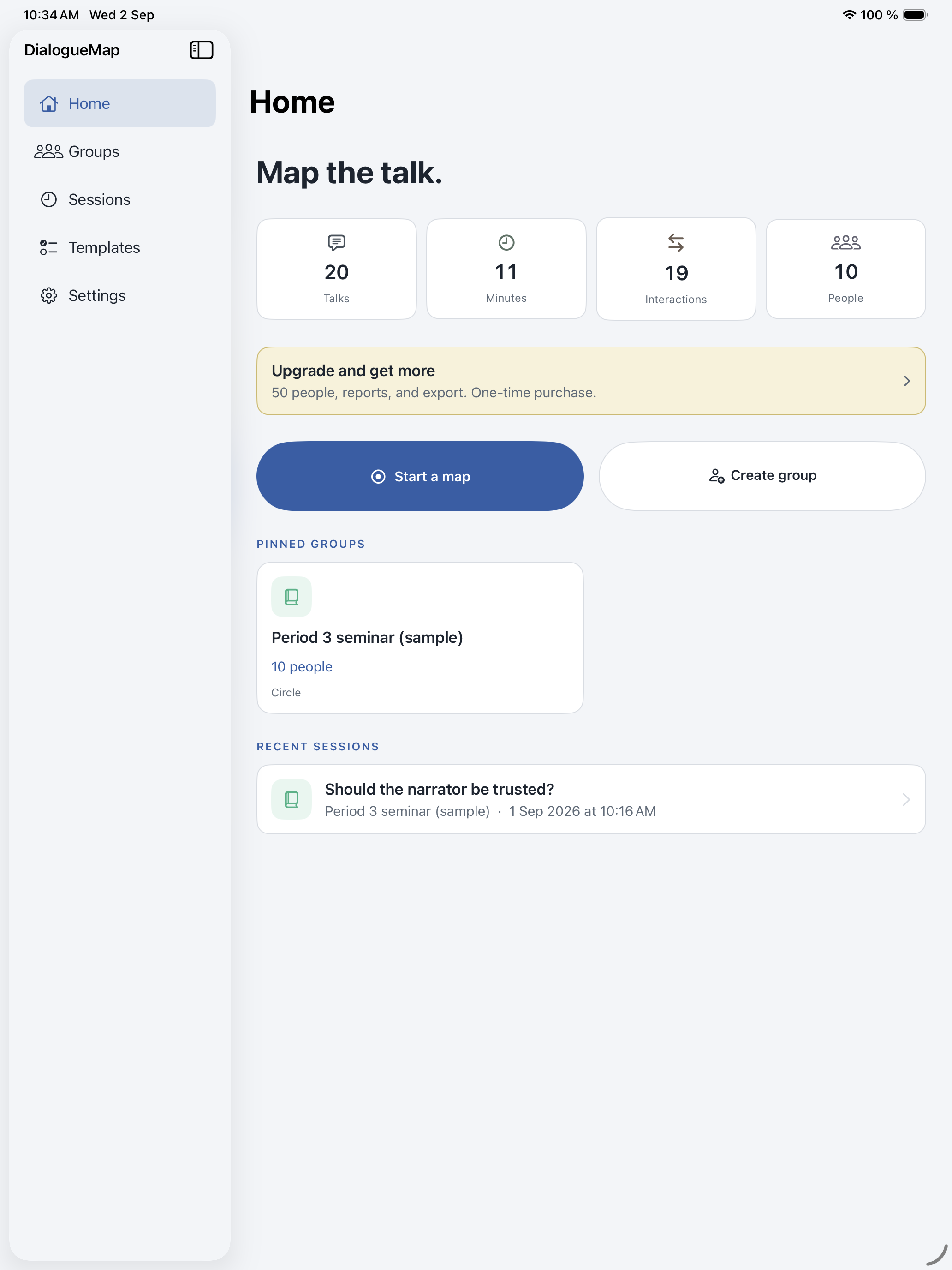
You sit with the group, iPad in hand, and tap whoever is speaking. DialogueMap draws a living map, then offers time, turns, and a short report you can share with the room.
Seminars, working sessions, coaching visits, and community circles. One iPad is enough. Everyone else just talks.
Each tap marks a turn. You can tap the same person again when they come back in. Buttons for silence, pair share, and teacher talk help when the conversation changes shape.
When you stop, Frames open. Time and turns sit next to a map of the hour. Put it on the projector so the group can reflect with something they can see.
Names, notes, and optional audio stay on the device. You share only if you choose to export. The microphone stays off until you turn it on.
Download DialogueMap at no cost. Map up to 10 people, save your groups, replay the web, and share a picture of the map.
When the room is larger, Plus is a single purchase. It seats up to 50 people and adds the report, CSV and PDF export, audio export, roster import, CheckNotes, and session packages. There is no subscription.
Teachers, coaches, facilitators, and meeting leads who want a clearer picture of participation. You hold the iPad. The people you work with simply join the conversation.